Are Free VPNs Safe? What Independent Testing Shows
Researchers tested 281 free Android VPN apps: 29 leaked traffic outside the tunnel and more than 80% contacted advertising and tracking servers. What the tests found, why it happens, and how to check the VPN on your phone.
 By CyberCat Team
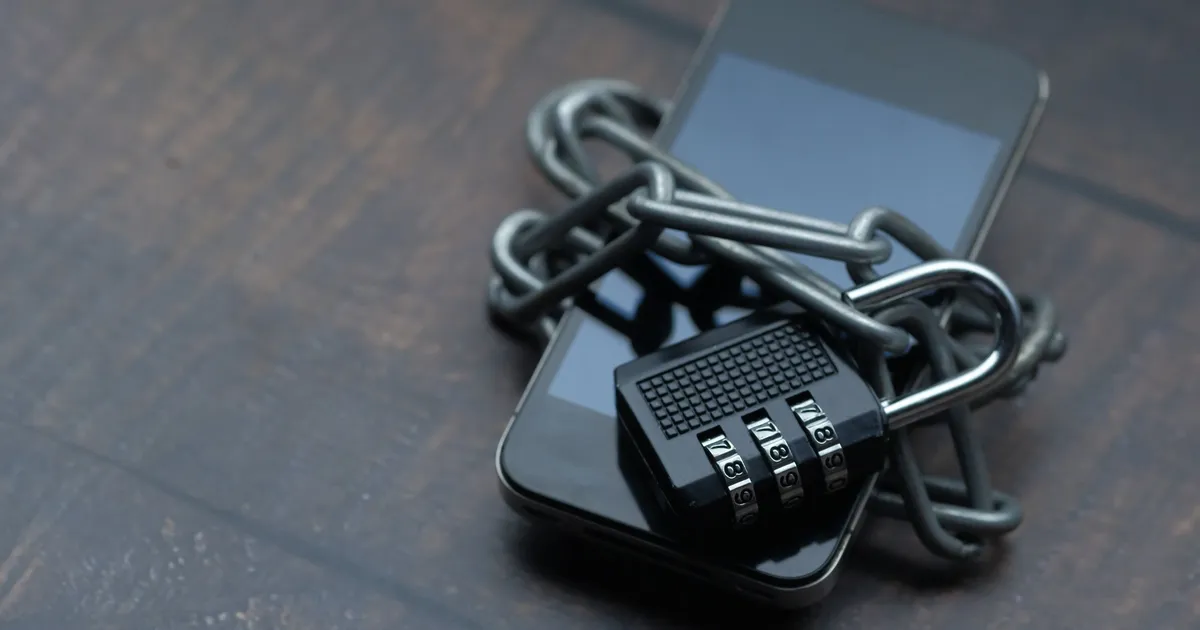
In February 2026, researchers from the University of Michigan, the University of New Mexico and IIT Delhi presented a test of 281 free VPN apps from Google Play at the NDSS security symposium. Their framework, MVPNalyzer, found that 61 of the apps sent unencrypted data, 29 leaked traffic outside the VPN tunnel, 76 transmitted the phone's Advertising ID, and 246 contacted known advertising and tracking addresses. The apps with at least one of these problems had been installed more than 2.2 billion times.
So, are free VPNs safe? Some are, but many free VPN apps that researchers have tested fail at the basic job of a VPN: encrypting your traffic and keeping all of it inside the tunnel. Whether a particular free VPN is safe depends on who runs it, how it pays for its servers, and whether it protects the traffic it carries. Below: what the tests found, and how to check any VPN yourself.
What independent tests found
Three tests, run years apart and with different methods, point in the same direction.
| Test | What was tested | Key findings |
|---|---|---|
| MVPNalyzer, NDSS 2026 | 281 free VPN apps from 40 Google Play searches, on Android 14 | 61 sent unencrypted data; 29 leaked traffic outside the tunnel; 246 contacted ad and tracking domains; 76 sent the Advertising ID; 1 of 108 apps with OpenVPN configuration files followed every best practice measured |
| CSIRO and partners, IMC 2016 | 283 Android apps using the VPN permission | 18% used tunnels without encryption; about 84% leaked IPv6 traffic and 66% leaked DNS traffic; 75% included third-party tracking libraries; over 38% showed some malware presence on VirusTotal |
| BLOKK, November 2026 | The first 5 Google Play results for "free VPN", one minute each | 1,164 domains contacted in total, including ad and tracking services, with connections to 14 countries, all before the VPN was switched on |
The BLOKK test is small, as its authors note: five apps, one phone, connection attempts rather than their contents. The two academic studies cover hundreds of apps each.
Risk 1: DNS and traffic leaks
Before your phone opens a website, it sends a DNS lookup to turn the site's name into an address. If those lookups go outside the VPN tunnel, your internet provider or the operator of a public Wi-Fi network can see every domain you visit, even when the VPN shows "connected".
MVPNalyzer found that 29 apps leaked "virtually all websites visited". Of those, 24 leaked DNS queries, 6 didn't send browser traffic through the tunnel at all, and 4 carried browser traffic through a tunnel with no encryption. The researchers note that DNS leaks may be misconfiguration, while the other leaks suggest an app may not be a real VPN. The 2016 CSIRO study found the same pattern on a larger scale, with about two in three apps leaking DNS traffic.
For a step-by-step check, see our guide on how to detect and fix DNS leaks.
Risk 2: Unencrypted traffic and tunnel hijacking
A VPN's main job is encryption. MVPNalyzer found 61 apps exchanging unencrypted traffic. Five of them downloaded their VPN configuration files in cleartext. A configuration file tells the app which server to connect to, so anyone on the same network could rewrite it and send the user's traffic to a server they control. The researchers reproduced this attack on their own test phones.
The researchers also examined OpenVPN configuration files from 108 apps. Only one followed every security practice they measured. The most common issue was relying on a single form of authentication. The most severe was turning off encryption and data integrity checks entirely. A green "connected" button shows that a connection exists, not that it's encrypted.
Risk 3: Trackers and ad SDKs inside the app
In the MVPNalyzer test, 246 apps, more than 80% of those tested, contacted 3,714 unique advertising and tracking addresses. The phone's Advertising ID, a persistent identifier used to recognize a device across apps, was sent by 76 apps. 38 apps sent the device's IP address inside the app's own data, and 210 sent the phone model, a detail that can be combined with others, such as the OS version, into a device fingerprint.
The 2016 study found third-party tracking libraries in 75% of the apps it analyzed.
Why it happens: how free VPNs pay for servers
Servers, bandwidth and staff cost money. A paid VPN covers that with subscriptions; a free VPN has to cover it another way. The MVPNalyzer authors write that advertising, tracking and device fingerprinting "are common monetization strategies for free VPN services". BLOKK's report describes the usual approach the same way: showing ads and sharing data with advertising and analytics companies.
The researchers also found that app store signals don't settle the question. Google Play shows a "Contains ads" label, a developer-written Data Safety section and, for VPN apps, a "Verified" badge. The paper concludes that these disclosures "risk functioning more as marketing signals than meaningful security guarantees", and earlier research it cites found discrepancies in developer-reported data safety labels.
Are all free VPNs unsafe?
No. The tests describe the apps people find when they search for a free VPN, not every free plan. Some free tiers are run by companies that earn their money from paid plans and treat the free version as a trial. BLOKK's report puts the highest risk on free VPN apps from companies you can't identify. The useful question is who runs the VPN, how it makes money, and whether it protects your traffic.
How to check any VPN
These checks work for free and paid VPNs alike.
- Find out who makes it. Look for a company name, an address and a privacy policy you can read. Several near-identical apps with no clear owner are a warning sign.
- Work out how it makes money. If it's free and full of ads, data is likely part of the deal. A subscription service should say where its revenue comes from.
- Read the privacy policy and the store's data section. Look for what is logged: browsing history, DNS queries, connection times, IP addresses and for how long.
- Review the app's permissions. A VPN needs network access. Access to contacts, location, microphone or photos needs a clear reason.
- Run leak tests before and after connecting. Check your IP with an IP check, then run a DNS leak test and a WebRTC leak test with the VPN on. Your real IP and your provider's DNS servers should no longer appear.
- Check for a kill switch. It blocks traffic if the VPN drops, so apps don't fall back to your regular connection.
- Look for named encryption and independent reviews. A provider should name its encryption standard. If it cites an audit, check who did it, when, and what it covered.
- Prefer a refundable trial over a VPN that's free forever. A money-back period lets you test the service and leave.
How CyberCat VPN handles these points
CyberCat VPN is a paid VPN with apps for iPhone, iPad, Mac and Android. Here is how it addresses each risk above:
- Encryption. CyberCat encrypts all of your device's traffic with AES-256 and sends it through a CyberCat server, so websites and apps see the server's IP address instead of yours.
- DNS inside the tunnel. All DNS queries go to CyberCat's own encrypted DNS resolvers, protected by the same tunnel as the rest of your traffic. The resolvers don't record which domains you look up. You can confirm this yourself with the DNS and WebRTC leak tests above.
- Kill Switch. If the connection drops, CyberCat blocks all traffic until the tunnel is restored, so your real IP stays hidden.
- Ad and tracker blocking in every app. CyberCat blocks ad, tracker and malware domains at the DNS level across the whole device, including ads inside apps.
- Unlimited bandwidth and up to 5 devices on one subscription.
- No activity logs. CyberCat keeps no logs of your browsing or traffic. IP addresses kept for security are deleted after 30 days. Its no-logs policy states that its only revenue comes from subscriptions.
Every plan comes with a 30-day money-back guarantee, which works as the refundable trial from step 8. New to VPNs? Start with what is a VPN, or read how a browser VPN compares with a device VPN.
FAQ
Is a free VPN safe to use on public Wi-Fi?
It depends on the app. A VPN that encrypts all traffic and keeps DNS in the tunnel protects you on shared networks. In the 2026 study, 61 free apps sent some data unencrypted and 29 leaked traffic, so run a leak test before relying on one in a cafe or airport.
How can I tell if my VPN is leaking?
Connect to the VPN, then run a DNS leak test and a WebRTC leak test. If your real IP address or your internet provider's DNS servers appear, the VPN is leaking.
Why do free VPN apps show ads and contact trackers?
Servers and bandwidth cost money. Researchers describe advertising, tracking and device fingerprinting as common ways free VPN services cover those costs.
Is it legal to use a VPN?
VPNs are legal in most countries, and some countries restrict them. Check the rules where you live and where you travel.
Sources
- Wang, Ortwein, Sobrados et al., MVPNalyzer: An Investigative Framework for Auditing the Security & Privacy of Mobile VPNs, NDSS Symposium 2026 (paper, slides)
- Ikram, Vallina-Rodriguez, Seneviratne, Kaafar and Paxson, An Analysis of the Privacy and Security Risks of Android VPN Permission-enabled Apps, ACM Internet Measurement Conference 2016
- BLOKK, Free VPN test results: what five apps did in their first minute (November 11, 2026)
- CyberGuy, Free Android VPN apps fail major privacy test (July 17, 2026)
Protect your privacy today
CyberCat VPN encrypts your traffic and hides your IP. Try it risk-free with our money-back guarantee.
Editorial
CyberCat TeamGuides from the CyberCat team on VPNs, online privacy, and staying safe on public networks.
Read in other languages
Related articles
Browser VPN vs Device VPN: Is a VPN Extension Enough?
Firefox's free built-in VPN now has unlimited data until January 31, 2027. Here's what a browser VPN or VPN extension covers, what a device VPN adds, and how to pick the right one.
By CyberCat TeamNovember 12, 2026
What is Net Neutrality? Debate & Status in 2026
Net neutrality means your ISP treats all web traffic equally. Here's the definition, the debate, where the law stands in 2026, and how CyberCat VPN helps at the device level.
By CyberCat TeamNovember 11, 2026
How to Tell if Your ISP is Throttling You
Streaming suddenly slowing down? Gaming lag spiking at peak hours? Your ISP may be the culprit. Here's how to find out — and what to do about it.
By CyberCat TeamJuly 20, 2026